How Titlize works.
A titled image for the link preview, and a share image for every feed — set in real type, sized correctly, and on brand.
Ten ways to make your writing land
Titled link previews
Upload any image, add your title, and get a finished Open Graph image — the social card that shows when your link is shared. Titlize picks the optical sizing and the contrast against your image, automatically.
- Smart contrast detection keeps your text readable
- Tone-adaptive gradient overlays for clean legibility
- Titles, subtitles, and four templates that hold up at thumbnail size
- Generated at the 1200 × 630 Open Graph ratio
- Finished in under two seconds
On brand, every time
Your brand, saved once
Make every image unmistakably yours. Save your brand once — a custom font, your colours, your logo — and every image you generate carries it.
- Upload and use your own custom font
- Set your brand colour for text and overlays
- Add your logo to every generated image
- Save your brand once, reuse it everywhere
- Preview before you ship
WordPress, automatic
Install the WordPress plugin and every post gets its Open Graph image on publish, built from the post title and featured image. No manual uploads, no extra work.
- One-click install from the WordPress admin
- Open Graph image generated automatically on publish
- Uses the featured image and post title
- Override with a custom image when you need to
- Works with any WordPress theme
curl -X POST https://api.titlize.com/generate \
  -H "Authorization: Bearer $TOKEN" \
  -F "[email protected]" \
  -F "title=Ten ways to make your writing land" \
  -F "aspect=square" \
  -F "fileFormat=webp"
A simple API
Integrate Titlize directly into your apps. One POST to /generate returns a finished image — perfect for automated workflows and custom integrations.
- A single POST to /generate returns the image
- Secure API token authentication
- Choose the aspect (og, square, portrait) and file format (PNG, JPEG, WebP)
- Rate limits scale with your plan
- Complete reference docs with worked examples
One headline, every size.
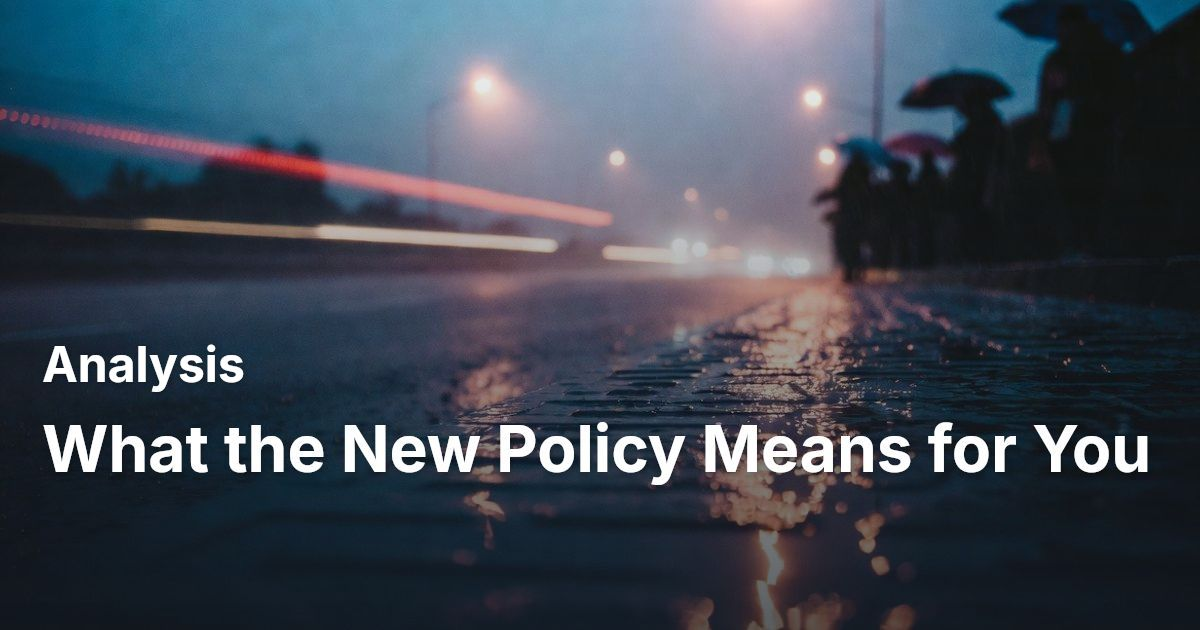
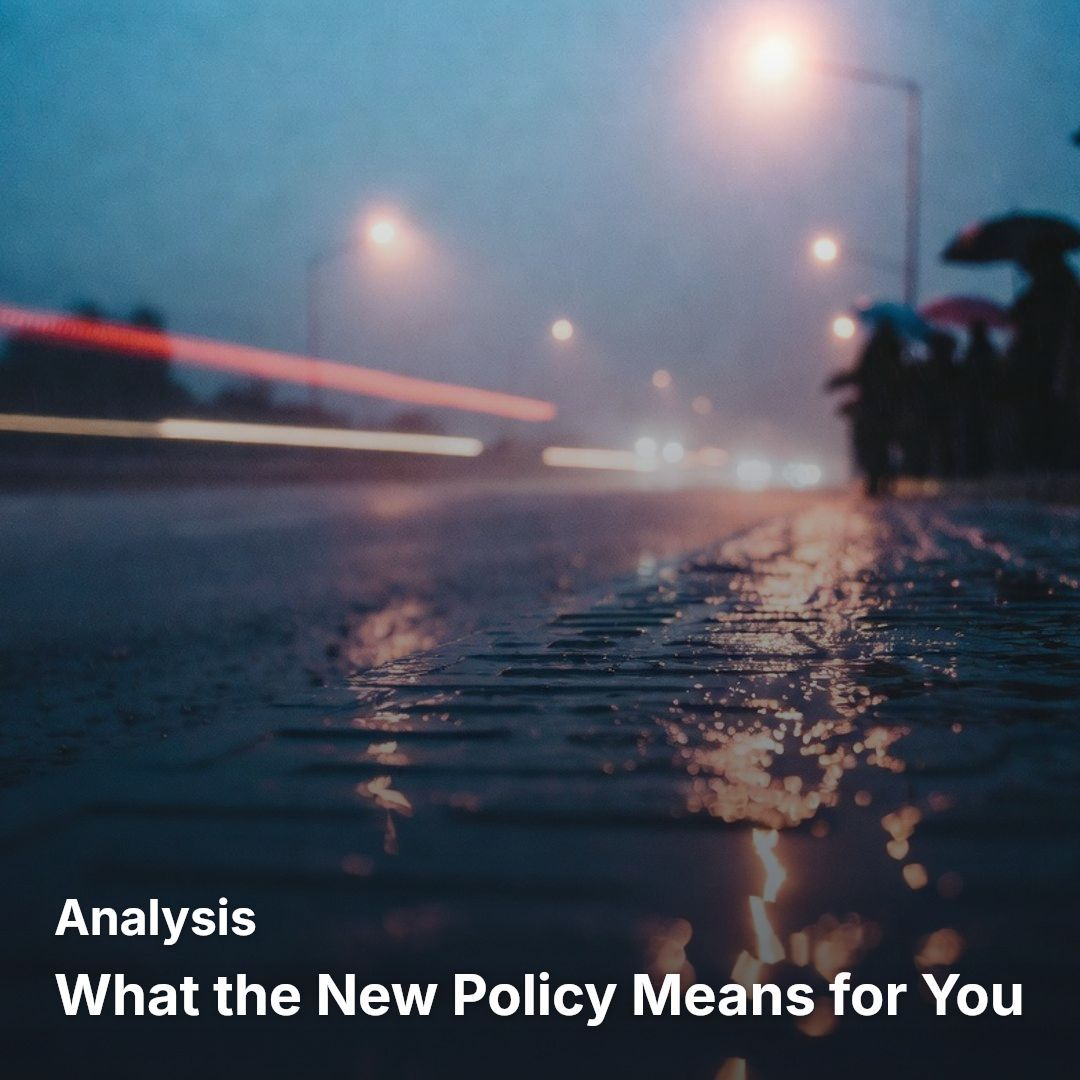
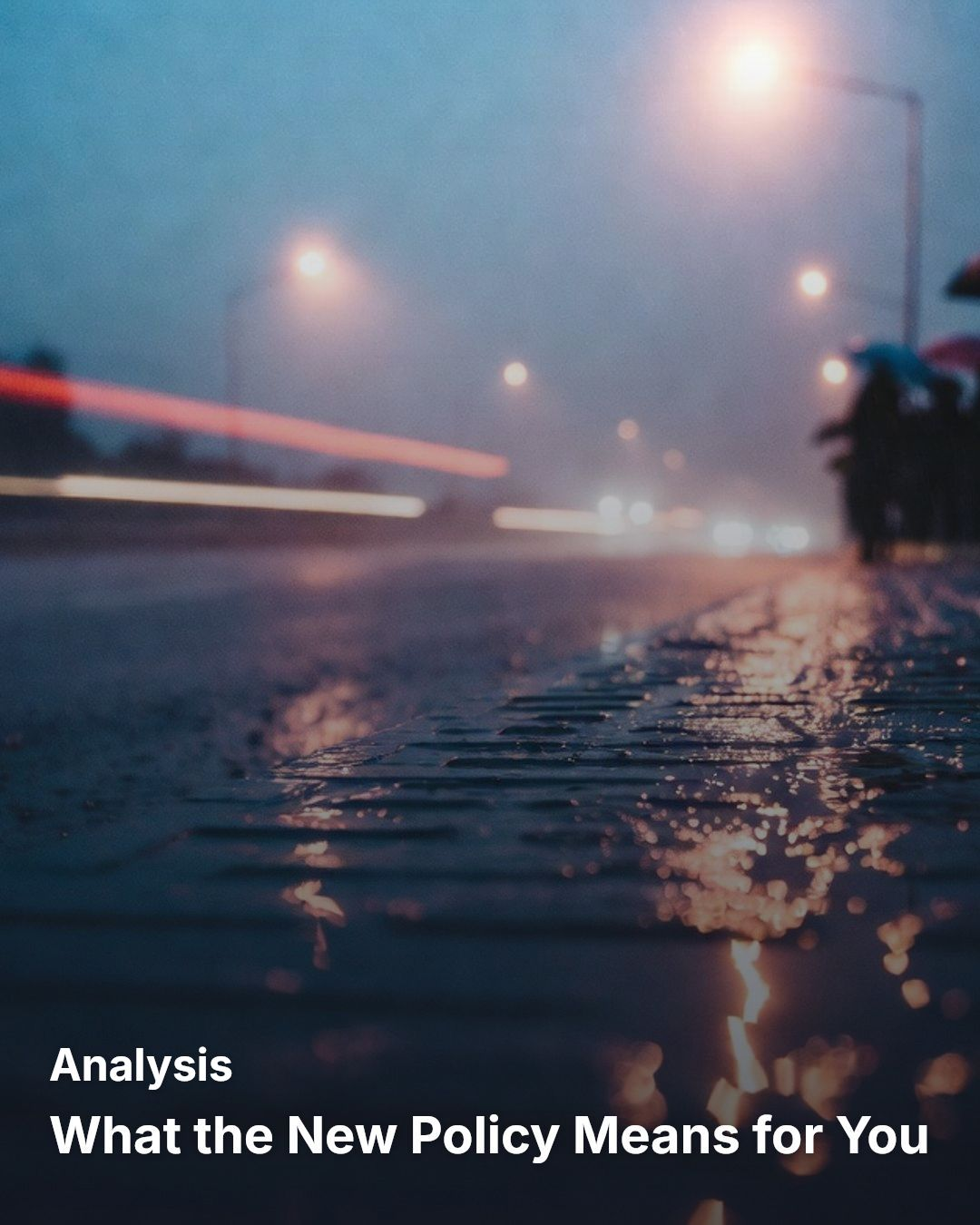
Titlize ships three aspect ratios. The OG size embeds in your page’s meta tags for link previews; the square and portrait sizes are built to post straight into the feed. The same four templates work at every aspect, in PNG, JPEG, or WebP.
| Aspect | Dimensions | Safe zone | Use it for |
|---|---|---|---|
og | 1200 × 630 | bottom 28% reserved for X’s mobile-card overlay | Link previews, embedded automatically in your page meta tags. |
square | 1080 × 1080 | 5% aesthetic margin — uses the whole canvas | Post straight into the X feed and the Instagram feed. |
portrait | 1080 × 1350 | 5% aesthetic margin — uses the whole canvas | Post straight into the Instagram feed and stories. |
The OG aspect leaves room for X’s overlay; the share images use the whole canvas. Output is PNG, JPEG, or WebP. (The WordPress plugin generates the OG image for your posts.)
Ready to give your links a headline?
Generate your first image free. Ten a month, no card.